Is your mobile running slow, freezing, or taking too long to open apps?
Don’t worry — this is one of the most common issues smartphone users face.
In this blog, we’ll explain why your phone becomes slow and how you can fix it at home before visiting a repair expert.
✔ Why Do Mobiles Become Slow?
A slow phone is usually caused by:
- Low storage
- Too many background apps
- Old or weak battery
- Software bugs
- Virus or malware
- Heating issues
- Old mobile hardware
Knowing the reason helps you fix the problem faster.
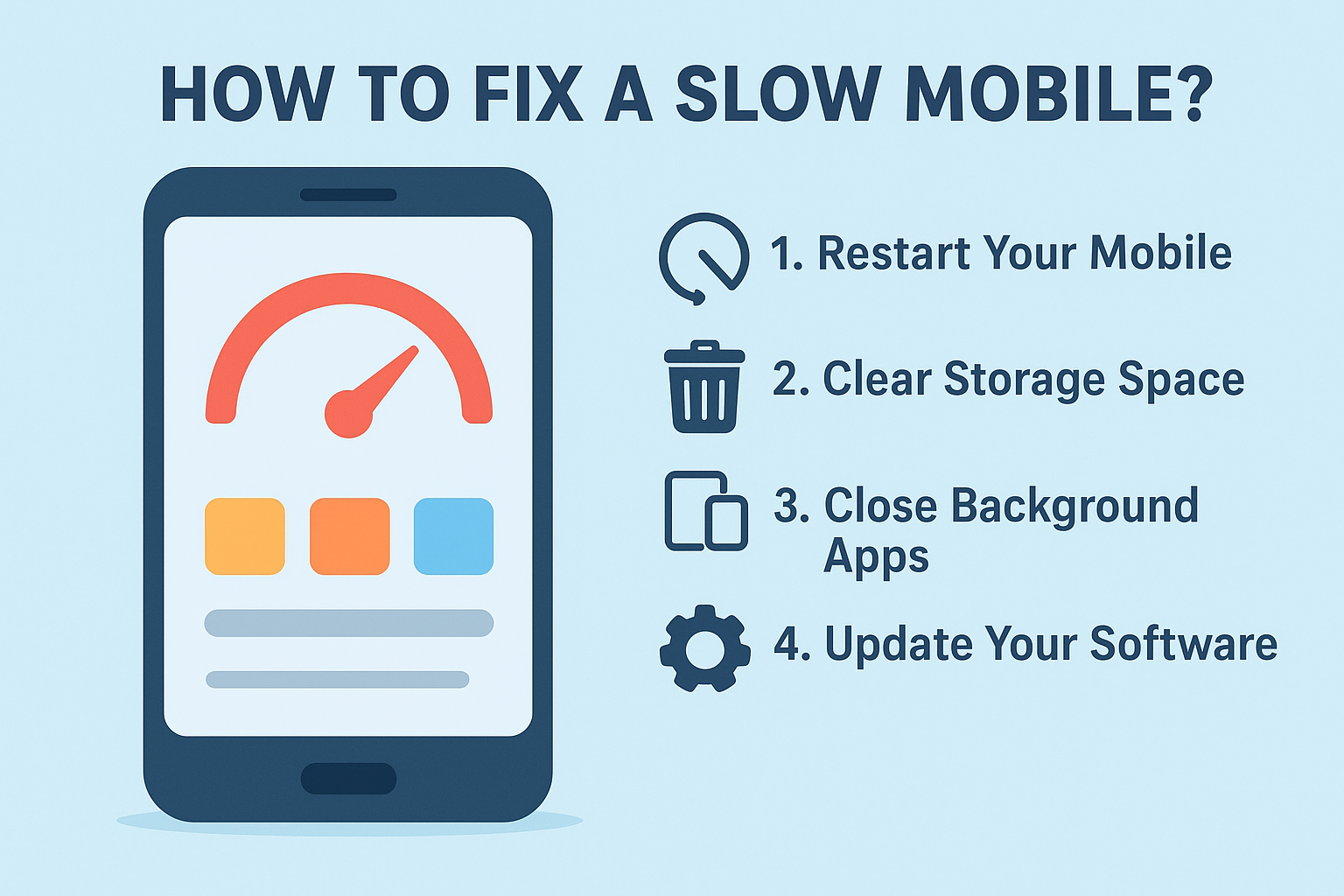
Top 10 Ways to Fix a Slow Mobile
1. Restart Your Mobile
This clears temporary files and refreshes the system.
How to do it:
Hold the power button → Tap Restart.
2. Clear Storage Space
Low storage = slow performance.
Fix:
- Delete unused photos/videos
- Remove WhatsApp large files
- Move data to Google Drive
- Delete unused apps
Tip: Keep at least 20% storage free.
3. Close Background Apps
Many apps keep running even when you don’t use them.
Fix:
Swipe up (or recent apps button) → Close all.
4. Update Your Software
Software updates fix bugs and increase speed.
Fix:
Settings → System Update → Download & Install
5. Disable Auto-Start Apps
Some apps start automatically and slow your phone.
Fix:
Settings → Apps → Auto-start → Turn off unused apps
6. Clear App Cache
Apps like Facebook, Instagram, Chrome store a huge cache.
Fix:
Settings → Apps → Select App → Storage → Clear Cache
(Do NOT clear data unless needed.)
7. Remove Live Wallpapers & Heavy Themes
These consume RAM and battery → phone becomes slow.
Use simple wallpapers and default themes.
8. Check for Malware or Unwanted Apps
Apps from unknown sources slow down your mobile.
Fix:
Install Google Play Protect or any trusted antivirus
→ Scan your device
9. Check Battery Health
A weak battery makes the device heat and lag.
For iPhone:
Settings → Battery → Battery Health
For Android:
Dial code: *#*#4636#*#* → Battery Information
(or check in Settings)
If battery health is low → Replace the battery.
10. Factory Reset (Last Option)
If nothing works, reset your device.
Fix:
Backup your data → Settings → System → Reset → Factory Reset
When Should You Visit a Professional?
Your phone needs repair if:
- It heats too much
- Battery drains fast
- Apps keep crashing
- Screen freezes often
- Storage gets full even after deleting things
These are signs of hardware issues.
Get Fast Mobile Repair at Doorstep – MobileMend (Kolkata)
If your phone is still slow after trying these fixes, you may need:
- Battery Replacement
- Software Flashing
- Virus Removal
- Hardware Diagnostics
MobileMend offers:
✔ Doorstep mobile repair across Kolkata
✔ 15–20 min device inspection
✔ Genuine parts
✔ Warranty on repairs
Call/WhatsApp us today to book a repair!
I have tried quite a few places but this one stands out for its massive slot collection and fair payout rates. Every time I cash out it shows up in my wallet without any unnecessary delays. The whole experience feels like playing with a friend who knows the ins and outs of the game. Definitely worth bookmarking for weekend sessions. bd6l777
For all you South lottery players, xsmnminhngoc seems to have the latest draws. Good luck and may the odds be ever in your favor!
As someone who loves a little extra excitement on the weekends I can honestly say this platform knows exactly how to keep things thrilling. The VIP perks are actually useful and not just empty promises and the payment processing is always lightning fast. You deserve a place that rewards your loyalty properly so do yourself a favor and explore this opportunity 299betvip
Playing on vn123win79 gives me that lucky feeling every single session. The weekly reload bonus fits perfectly with my schedule and customer service never leaves me hanging. A dependable platform that treats regular players like royalty vn123win79